

VK Me: Instant Messaging with VK Integration
VK Me is the official messaging application from VK.com, designed to enhance communication for users of the popular Russian social network. As a desktop-compatible mobile app, it serves as a streamlined platform for instant messaging, voice and video calls, and peer-to-peer money transfers. The app enables users to stay connected with friends and contacts across VK’s ecosystem, offering a centralized hub for personal and social interactions.
Primarily intended for existing VK users, VK Me simplifies communication by consolidating messaging, calling, and financial transactions into a single interface. It is particularly useful for individuals who frequently engage with VK’s social features and seek a dedicated messaging experience. The app supports group chats with unlimited participants, live filters during video calls, and seamless integration with the main VK platform—allowing users to switch between apps with a simple swipe gesture.
Real-world usage includes staying in touch with family and friends, coordinating group events, conducting informal video meetings, and transferring funds securely within the VK network. While the app is free to use, registration requires a valid phone number for identity verification, ensuring a secure onboarding process.
Key Features & Capabilities
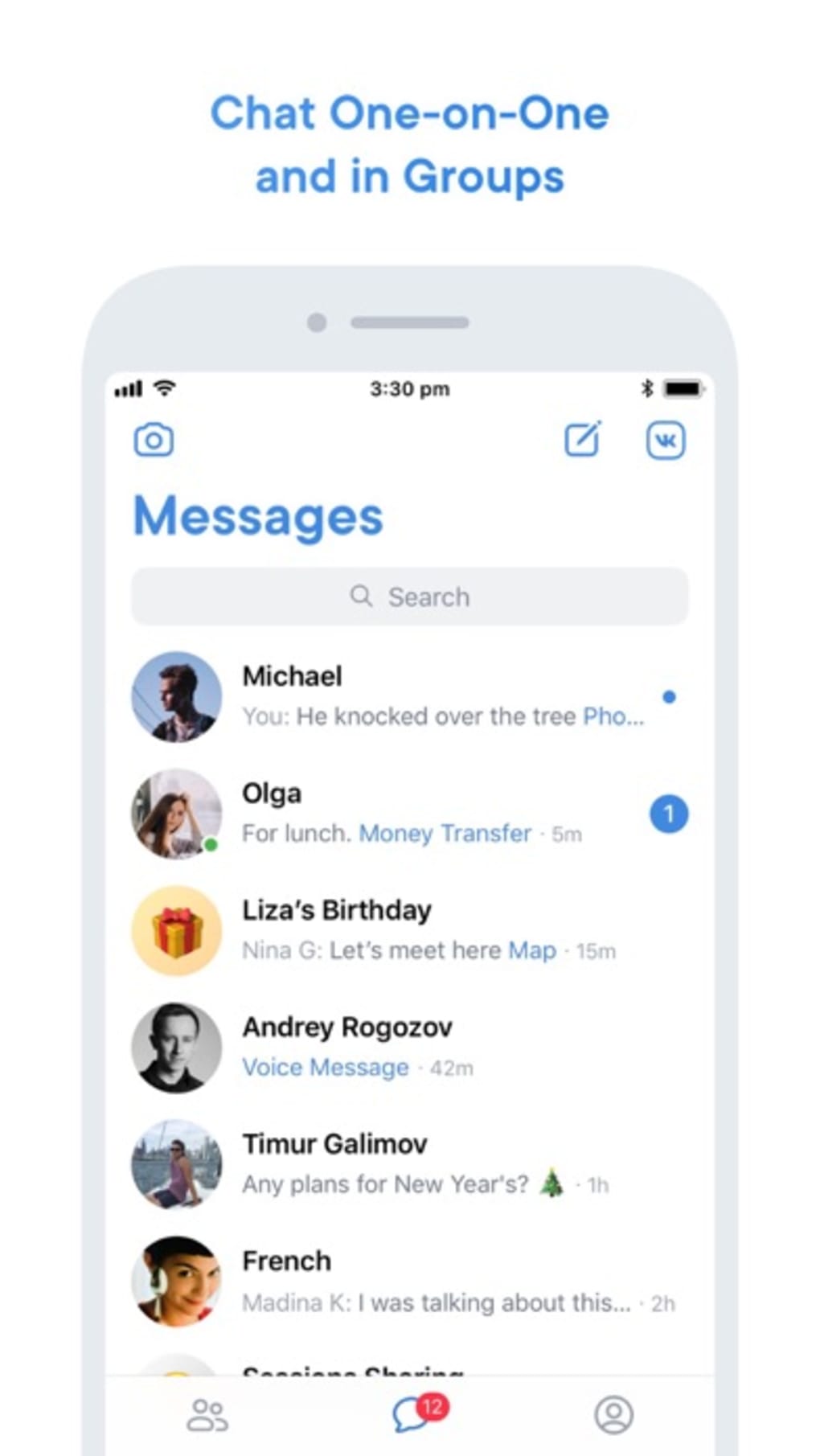
- Instant Messaging: Send text, photos, and videos to individual contacts or group chats with no message limits.
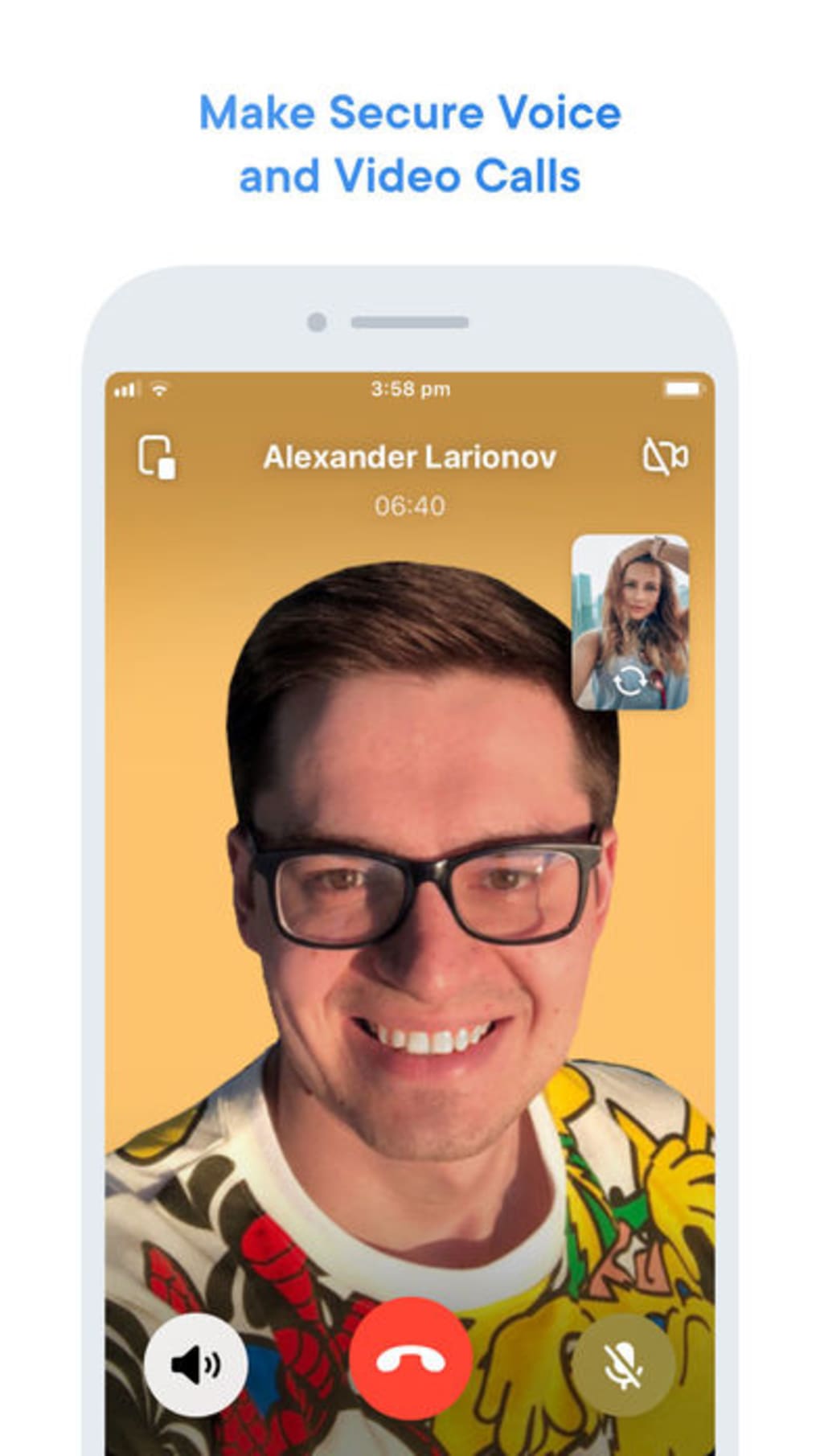
- Voice and Video Calls: Initiate high-quality calls with support for live filters during video sessions to enhance visual engagement.
- Money Transfer Functionality: Send funds to contacts as easily as sharing media, enabling quick peer-to-peer transactions.
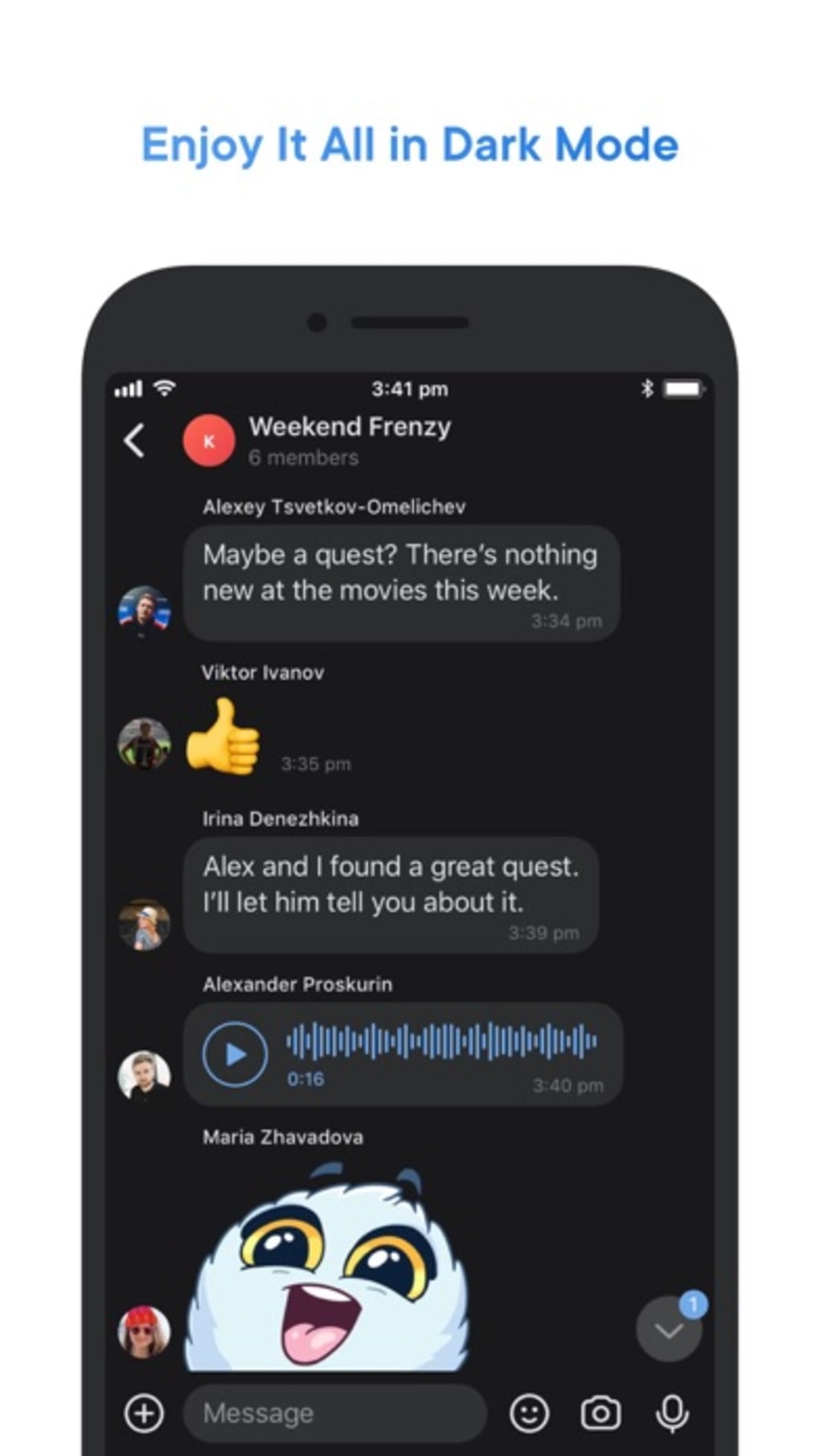
- Group Chat Support: Create and manage group conversations with an unlimited number of participants.
- Seamless VK App Integration: Switch between VK Me and the main VK app with a single swipe, maintaining continuity across platforms.
- Live Filters: Apply real-time visual effects during video calls for a more dynamic and entertaining experience.
These features are designed to streamline communication for VK users who value convenience and multimedia interaction. For example, users can organize a group chat for a family reunion, share travel photos instantly, and send money for shared expenses—all without leaving the app. The integration with the main VK platform also allows for smooth navigation between social content and private messaging, enhancing overall user engagement.
User Interface, Workflow & Performance
The user interface of VK Me is structured around intuitive navigation, with a bottom tab bar for quick access to messaging, calls, and contacts. The layout is consistent with modern messaging apps, prioritizing ease of use and visual clarity. Messages are displayed in a clean, scrollable chat window with media preview thumbnails, and call controls are positioned for immediate access.
Workflow efficiency is optimized for quick interactions—sending a message, starting a call, or initiating a money transfer can be done in just a few taps. The app’s design supports rapid switching between chat threads and media sharing, reducing friction in daily use. However, the developer did not specify resource usage details, and performance observations are based on general software behavior patterns.
Stability and responsiveness appear to vary depending on network conditions and device performance. While the app functions as expected in standard scenarios, some users may encounter occasional glitches, as noted in user feedback. The developer did not provide information on CPU or RAM usage, so actual system impact remains unspecified.
Compatibility & System Requirements
VK Me is available for both Android and iOS operating systems, ensuring broad accessibility across mobile devices. The current version is 1.2.3, with a download size of 45.2 MB, indicating a lightweight installation footprint.
Platform compatibility information is limited to the operating systems listed. The developer did not specify exact system requirements, such as minimum RAM, processor speed, or storage space. As such, compatibility with older devices or specific hardware configurations cannot be confirmed.
Installation is straightforward and does not require advanced configuration. Users must register with a valid phone number, which is used for account verification and identity confirmation.
Pros and Cons
Pros
- Seamless integration with the VK social network
- Supports group chats with unlimited participants
- Offers video calls with live filters for enhanced engagement
- Includes peer-to-peer money transfer functionality
- Lightweight installation at 45.2 MB
- Simple swipe-based navigation between VK Me and the main VK app
Cons
- Performance issues reported by some users, including app glitches
- No official information on system requirements or resource usage
- Requires phone number registration, which may deter privacy-conscious users
- Primarily beneficial for existing VK users; limited value for new users
- Compatibility with older devices is not confirmed
FAQ Section
Is VK Me available for Windows and Mac?
Currently, VK Me is only available for Android and iOS devices. There is no official desktop version for Windows or Mac.
Is VK Me safe to use?
As the official messaging app from VK.com, VK Me uses standard security protocols for user authentication and data transmission. However, the developer did not provide specific details on encryption or data privacy policies.
How often does VK Me receive updates?
Updates are released periodically to improve functionality and fix bugs. The latest version is 1.2.3, released on May 15, 2024.
Can I use VK Me without a VK account?
No, a VK account is required to use VK Me. Registration involves providing a valid phone number for identity verification.
Is VK Me available offline?
Basic messaging and call history are accessible offline, but active communication features such as sending messages or making calls require an internet connection.
Final Thoughts + CTA
VK Me delivers a feature-rich messaging experience tailored specifically for users of the VK social network. Its integration with the main VK platform, combined with robust communication tools like video calls, group chats, and money transfers, makes it a valuable addition to the VK ecosystem. While performance inconsistencies have been reported, the app remains functional and easy to use for its target audience.
For existing VK users, VK Me offers a convenient, all-in-one solution for staying connected. Its lightweight design and intuitive interface further enhance its appeal. However, new users or those outside the VK network may find limited utility.
Download VK Me now to experience seamless communication with your VK contacts.







